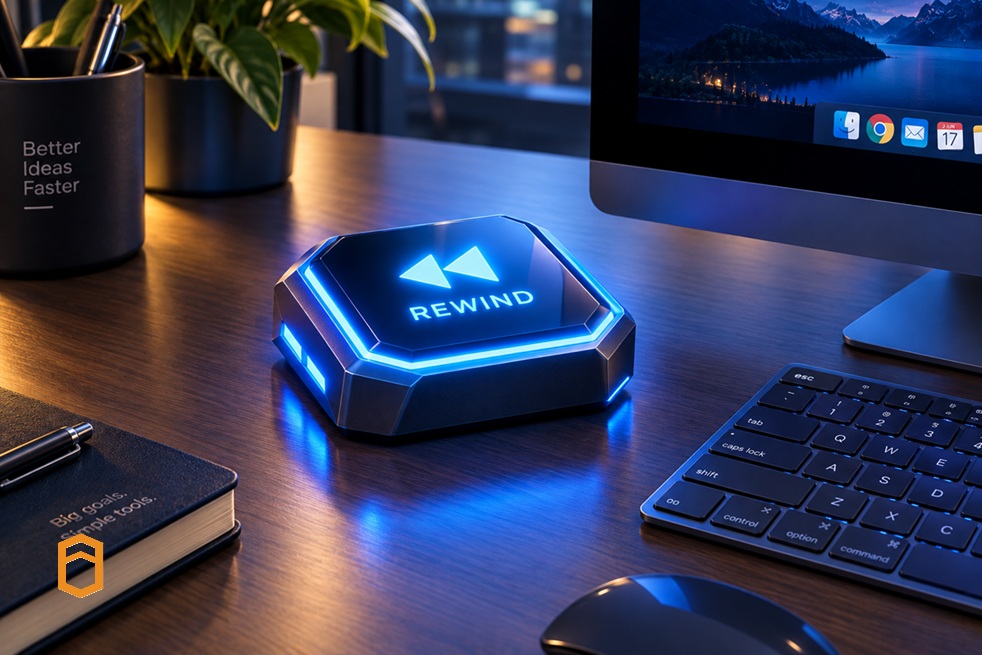
I have always wondered what life would be like if we had a rewind button: a way to go back in time and undo the mistakes we’ve made along the way. No overthinking, no regret, just a clean do-over.
Now let me ask you the same question, but for something a little less philosophical and a lot more familiar to those of us who work with mainframes: what if such a rewind facility existed in z/OS? What if, the moment we broke something — a bad PTF, a misconfigured subsystem, an errant job, or a test that went sideways and took the LPAR down with it — we could just… restore it?
Why z/OS test environments are so hard to live with
If, like me, you have spent any real time building and testing mainframe systems, you know why this question matters so much. Robust z/OS environments are notoriously hard to spin up, and even harder to safely experiment on. A few things we’ve all lived through:
- The “one shared test region” problem. Multiple teams compete over the same non-prod LPAR, terrified to touch anything because of the potential impact on others.
- Environment requests that take days or weeks. You break something on a Friday, by the time you receive a clean environment again, it’s the following Thursday.
- Fear-driven testing. Teams are wary of too much testing, because each mistake means hours of manual cleanup or a painful rebuild. Sadly, not a bug free approach.
- No “undo” for configuration drift. Once it has been patched, poked, and modified by various people over months, no-one is sure what a “clean” environment is.
This is exactly the gap that PopUp Mainframe’s FastTrack facility is built to close…
My own “thank goodness for rewind” moment
Recently, I was building one of our PopUps. In our lab, we take a snapshot after every significant update to z/OS. Nothing dramatic, just good practice.
One day, deep into a long stretch of changes, I lost track of exactly what I’d modified and where. Somewhere, I made a mistake I couldn’t untangle. In any other setup, that would have meant hours of painstaking troubleshooting or restarting from scratch.
I just rolled back to my last snapshot and, moments later, I was on solid ground again, with only the small chunk of work since that last snapshot to redo. What could have cost me days of lost effort cost me almost nothing. That’s when FastTrack’s value became truly apparent: an efficient safety net for software experimentation.
Practical Value
PopUp Mainframe enables teams to spin up full z/OS environments on-demand — on x86 hardware, on IFLs, on-prem or in the cloud — in under ten minutes, instead of the weeks it traditionally takes to provision. FastTrack builds on PopUp’s efficient environment by adding automated provisioning, rollback, and snapshot capabilities, so teams get rapid, repeatable delivery cycles rather than one-off, fragile environments.
In practice, that means three things:
- Snapshot before you break things. A clean snapshot of your environment protects you before running a risky change, a new deployment, or an experimental fix.
- Rollback on demand. If something goes wrong (and you should plan for it), you simply roll straight back to that snapshot instead of filing a ticket and waiting for someone else to eventually rebuild it for you.
- Repeatable environments. Because the snapshots are consistent and automated, every developer, tester, or pipeline run starts from the same known good state, which is the foundation of CI/CD or DevOps workflow on the mainframe.
Why this matters
The rewind-button fantasy is fun to think about for our own lives, but in z/OS environments, FastTrack gets remarkably close to making that fantasy real for the systems we work on every day. I’ve experienced it: a habit of snapshotting after every meaningful change, and one rollback saved me what could easily have been days of rebuild effort.
Instead of:
“I broke the test region, now I need to raise a ticket and wait for a rebuild.”
Teams using FastTrack can now say:
“I broke the test region. Give me thirty seconds — I’m rolling it back.”
That single shift from a fear of breaking things to the confidence to experiment is what unlocks agile, DevOps-style ways of working on a platform that’s spent sixty years optimizing for stability over speed. And ironically, giving mainframe teams a “rewind button” is what finally lets them move forward faster.
The results of a rewind button
Back to the question I started with: what if we could rewind z/OS? Here is how I am thinking about it, using the experiences in the PopUp lab:
- Rollbacks used – I have rolled back twice in two months.
- Time to recover with a rollback – 30 minutes, including redoing the small chunk of work since the last snapshot.
- Time to recover without it – 3 days waiting for a rebuilt environment, as in the incident I described earlier.
- Total time saved – 23.5 hours per rollback [47 hours across the two, or around 6 working days of time saved for me alone].
These are purely estimates and solely my own experiences. But extrapolating that possibility using the same assumptions yields 36 days or over seven weeks of time that could be redeployed on productive work. Even hitting part of that efficiency gain means our question, “what if we could rewind z/OS?” is a genuinely compelling one – we get a meaningful chunk of our time back, and we can spend it moving forward.
Getting on the right Track
As experts have recently exclaimed, “The FastTrack facility – with its ability to move back and forth to different configurations at the click of a button – could be a game changer in terms of efficiency. I wish I’d had this tool 30 years ago”. Check out this short FastTrack demonstration.